

Register as a user
B2Brouter is a cloud-based electronic invoicing platform that lets you send and receive invoices, quotes, orders and other business documents digitally — through public networks like Peppol, government portals, or directly by email — without installing any software.
It works for businesses of any size: from freelancers sending their first invoice to companies exchanging thousands of documents a month through automated integrations.
To start working with B2Brouter, you need to register as a user.
To do so, access B2Brouter and use the option Start for free, which you can find in the top right corner of the screen. On the next page:
- Enter your email address in the Email box.
- Enter the password you want to use in Password.
- Check the box to accept the terms of use.
- Finally, click on Continue.
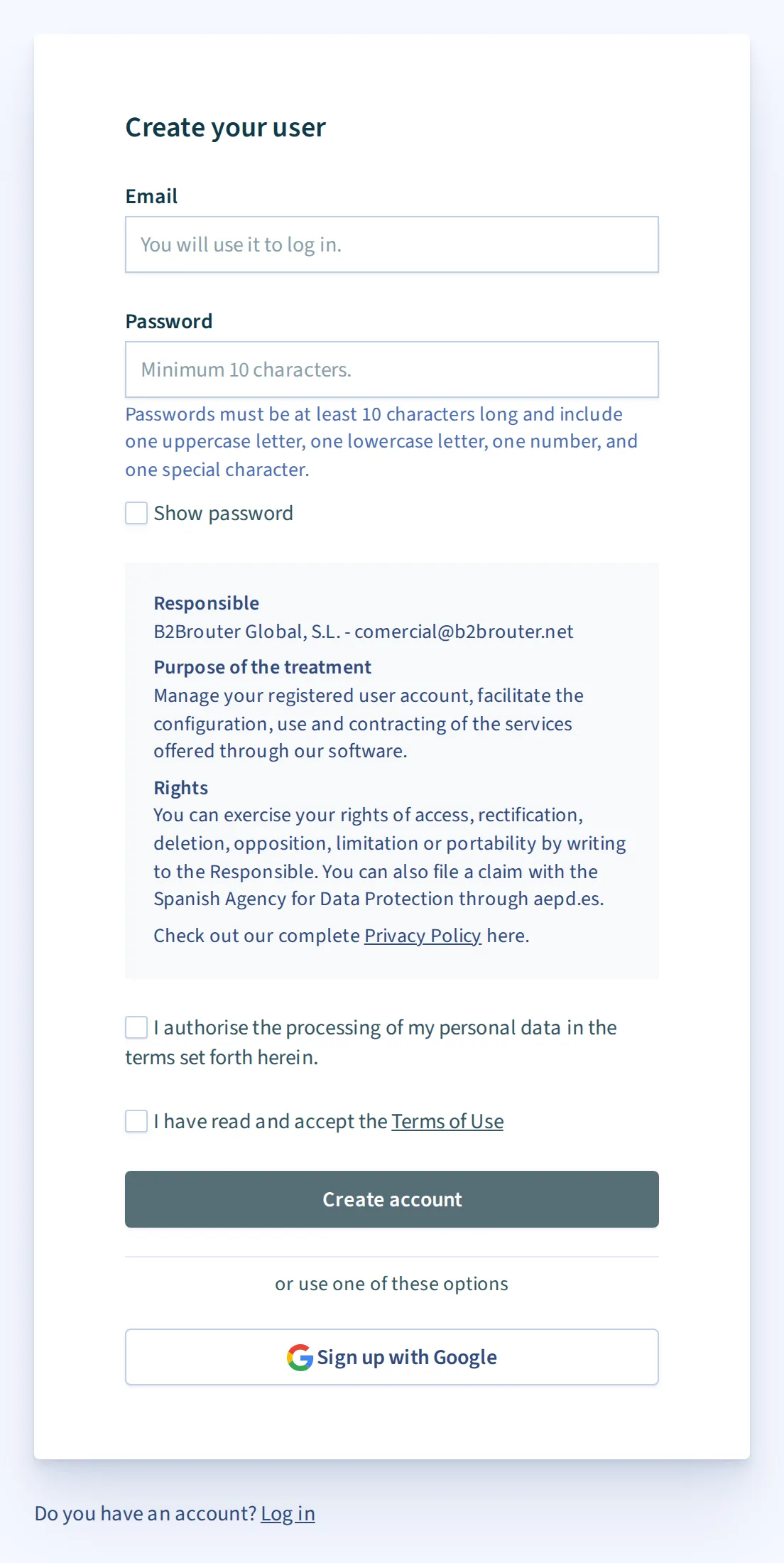
You receive an email to the email address you entered, where you will find an activation link:
- Go to your email inbox.
- Open our email.
- Use the link to activate your account.
Once your account is activated, the system redirects you to the Login page, from where you can access your B2Brouter account for the first time:
- In the Email box, enter the email address you used when signing up.
- In Password, type the password you used when signing up.
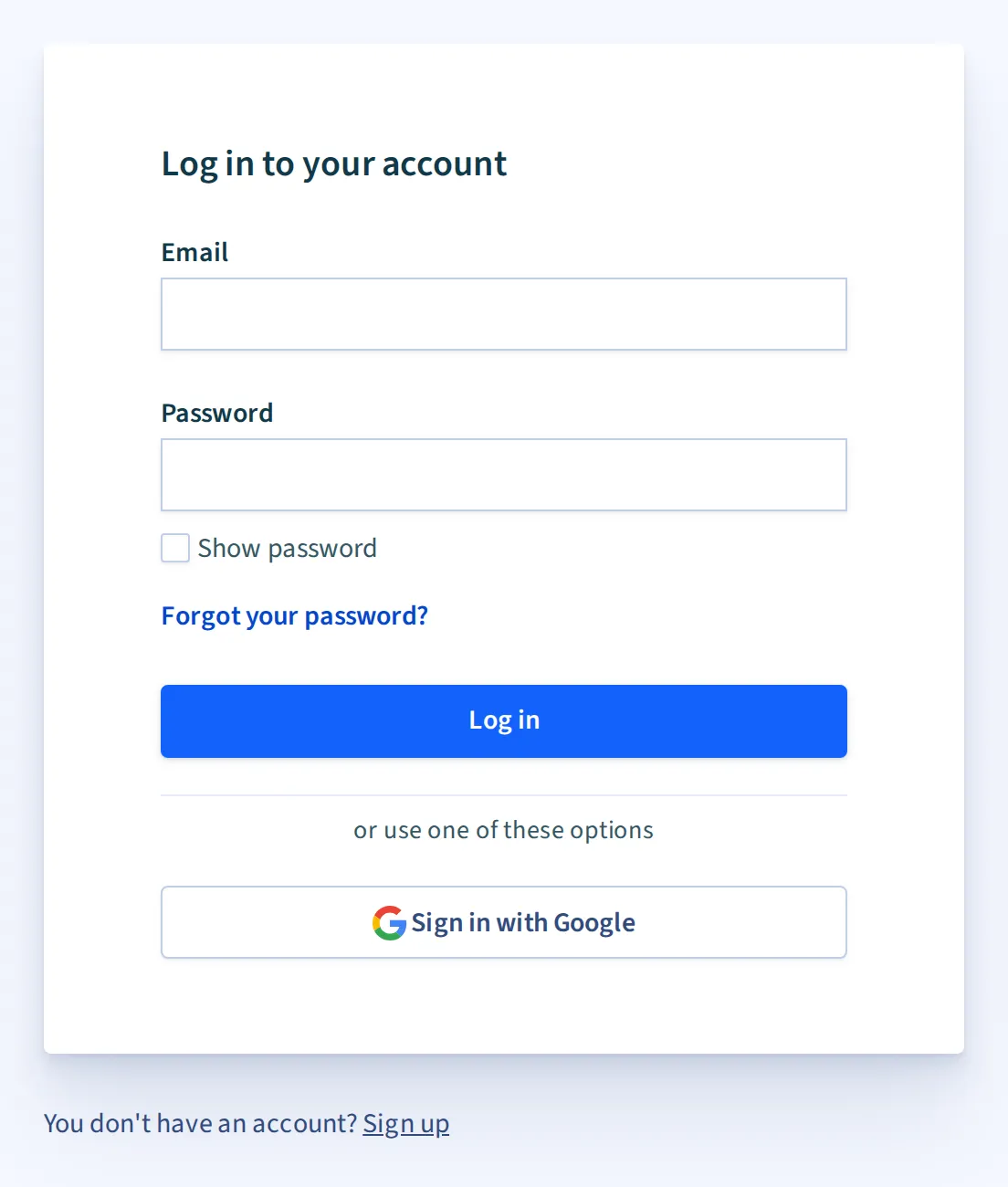
Finally, click on Login and you can access your account to start to create your company.