

First steps
Once you have registered and logged in, you are ready to send your first invoice. You only need to follow three steps.
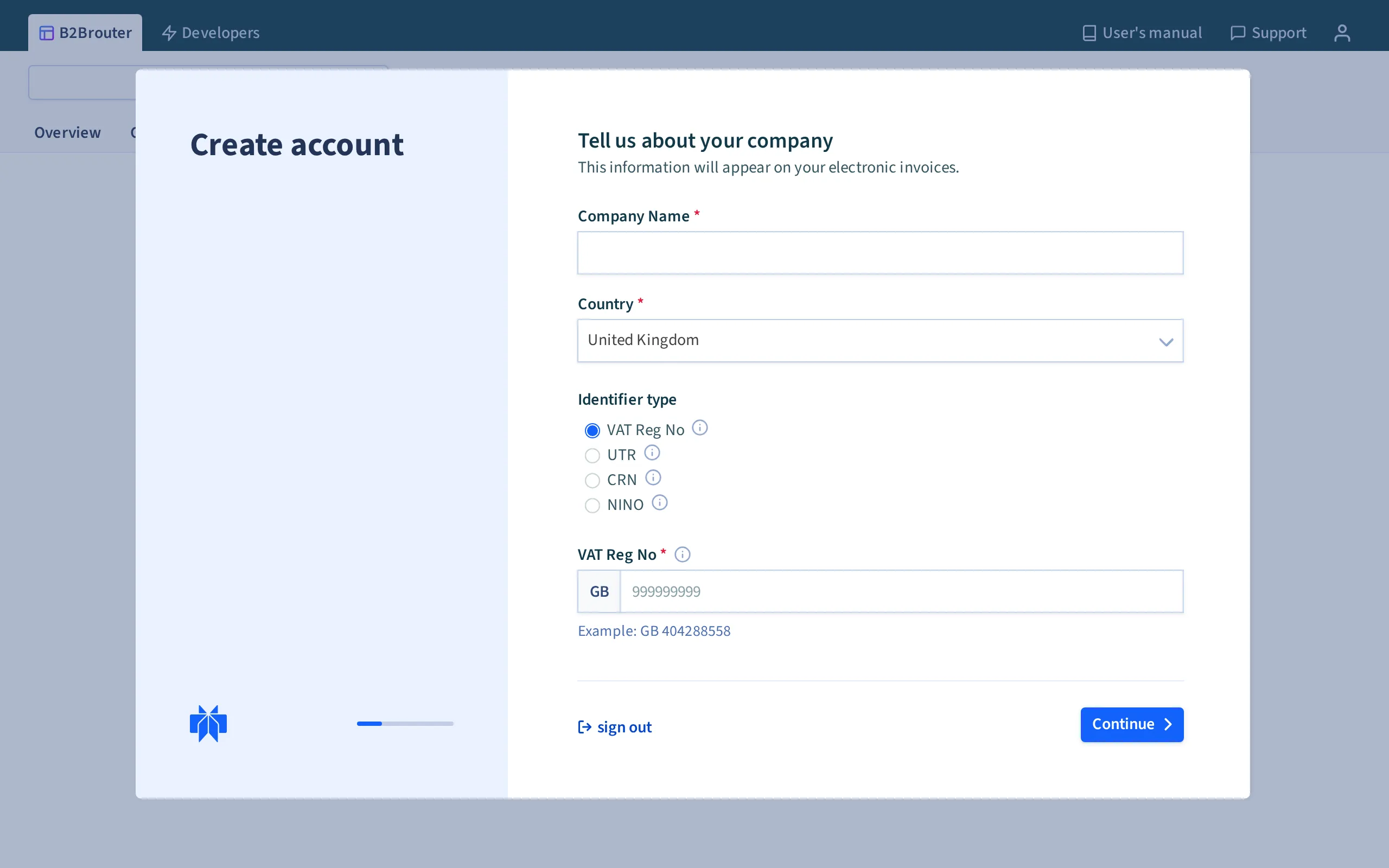
1. Set up your account
Section titled “1. Set up your account”Before sending invoices, set up your company by adding your fiscal data, bank accounts and any other configuration you need.
2. Create your first contact
Section titled “2. Create your first contact”You need to have the client created in B2Brouter before you can invoice them. Create your first contact and select the delivery method you want to use to send the invoice. If your client is in the B2Brouter directory, the sending configuration is done automatically — you only need to enter their tax ID.
3. Create and send the invoice
Section titled “3. Create and send the invoice”Once the contact is created, create the invoice and add the data and line items you want to invoice.
When the invoice is ready, use the Send option at the top of the invoice. The invoice is sent directly from B2Brouter to your client — no download or upload needed. If the invoice was sent successfully, its status changes to Sent.
You can check the meaning of all invoice statuses at any time.
With B2Brouter you can also send quotes, dispatch notes and receive orders.